

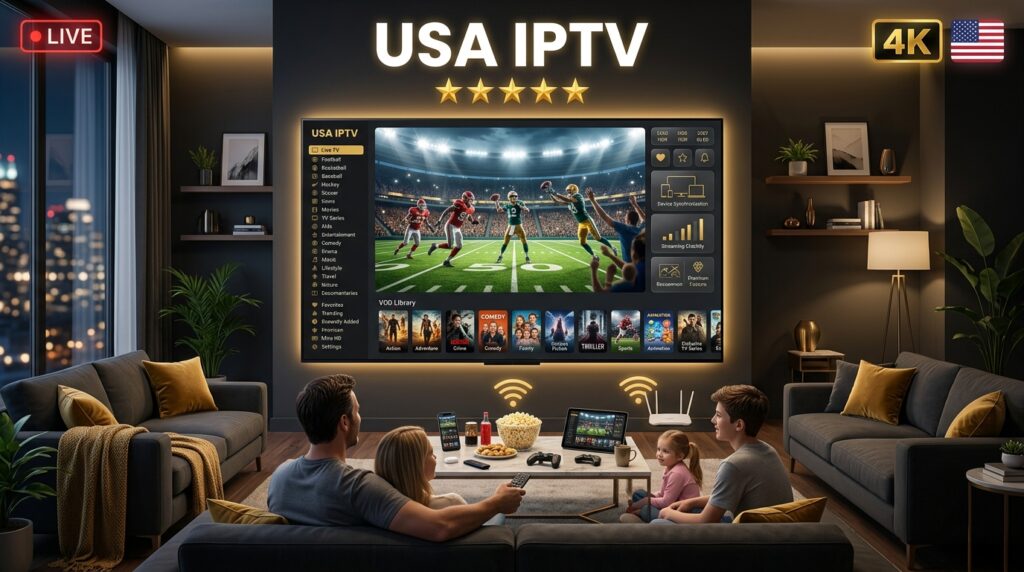
What Is USA IPTV?
IPTV stands for Internet Protocol Television. As the Wikipedia entry on Internet Protocol Television explains, it delivers TV over internet networks rather than cable or satellite.
USA IPTV simply means a service built around American content, tailored for viewers who want their local networks, sports, and national channels streamed online.
In everyday terms, USA IPTV gives you:
- Live American channels streaming in real time
- On-demand movies and series ready whenever you press play
- Catch-up features for anything you missed
- One login working across your TV, phone, tablet, and laptop
The core appeal is simple. Nothing is tied to an address or a rented box, so your American television follows you to any screen, anywhere with internet.
How Does USA IPTV Work?
The technology sounds complex but the experience is not. Here is the plain-English version.
A provider hosts channels on its servers. When you open your player app and select a channel, that stream travels over your internet connection to your screen in real time. That is the whole idea.
What this means for you day to day:
- No dish, no cable line, just your existing internet
- No technician visit, since you set it up yourself in minutes
- Any device works, from a Firestick to your phone
- Instant switching between live TV and on-demand content
If you can install an app and enter a login, you can use USA IPTV. That is genuinely the level of difficulty involved.
Which American Channels Should You Expect?
This is what newcomers actually care about, so let’s be specific. A quality USA IPTV lineup should cover:
- Local networks: ABC, CBS, NBC, FOX, and CW affiliates
- Sports: ESPN, the league networks, and regional sports networks
- News: the full cable news spectrum
- Entertainment: the popular cable entertainment channels
- Premium: the subscription movie channels cable charges extra for
- Kids and family: children’s networks for the household
If a provider cannot show you its American channel list before payment, treat that as a warning. Browse a real example on our full IPTV channels list.
Check your local affiliate specifically
American local networks broadcast through regional affiliates, so a service listing “ABC” may carry a feed from a different market. Search the channel list for your own city or state before subscribing, not just the network name.
Why Americans Are Switching to IPTV
The move away from expensive cable is accelerating nationwide. Research from Statista on the streaming market documents internet-delivered video growing every year while traditional pay TV keeps shrinking.
Three reasons drive it for US households.
The savings are significant
American cable and satellite regularly run $100 to $150 monthly once equipment and fees are added. USA IPTV typically lands between $10 and $20 a month for broader coverage.
Far more content
A serious service carries thousands of channels including international content, plus a large on-demand library. No cable tier matches that breadth.
Total flexibility
One plan covers every screen you own, with no contract, no rented box, and no technician appointment. Cancel or change whenever you like.
What Should USA IPTV Cost?
Price misleads newcomers in both directions. Too expensive and you overpay. Suspiciously cheap and the seller vanishes.
Realistic 2026 pricing looks like this:
- Monthly plans: roughly $10 to $20
- 6-month plans: often around $40
- Yearly plans: commonly around $60, the lowest honest monthly rate
- Multi-connection plans: slightly higher, for several screens at once
A price like ten dollars for three years is not a deal, it signals a seller who disappears. Bandwidth and server costs make it impossible to sustain. Compare transparent rates on our pricing page.
What Internet Speed Do You Need?
Less than most beginners assume. According to the FCC Broadband Speed Guide, target these numbers:
- SD quality: 5 Mbps
- HD and FHD: 10 Mbps
- 4K Ultra HD: 25 Mbps per stream
Those figures are per stream, so two people watching at once roughly doubles the requirement. A busy household should aim for 75 to 100 Mbps.
Not sure what you have? Run a free test at Speedtest.net before blaming any provider. A weak connection and a weak service look identical on screen.
Simple fixes for buffering
- Use wired Ethernet for your main TV
- Keep the router close to your streaming device
- Pause large downloads during peak hours
- Restart your router weekly
Which Devices Work for USA IPTV?
Almost anything with a screen and internet:
- Amazon Firestick 4K or 4K Max, the most popular US choice
- Smart TVs from Samsung, LG, Android TV, and Google TV
- Apple TV 4K for iPhone households
- Roku devices, widely supported
- Android phones and tablets for watching anywhere
- PC and Mac through VLC or dedicated players
Because a subscription is just a login, it moves freely between devices. Install it on a new phone or TV, enter the same credentials, and you are watching in seconds.
USA IPTV vs Traditional Cable
| Feature | USA IPTV | Traditional Cable |
|---|---|---|
| Monthly cost | $10 to $20 | $100 to $150 |
| Channel count | Thousands, global | 200 to 300 regional |
| Contract | None, prepaid | 12 to 24 months |
| Devices | Every screen you own | One rented box per TV |
| Portability | Works anywhere | Home address only |
| Setup | 2 minutes, self-serve | Technician appointment |
For most American households, the comparison is not close. IPTV delivers more content for far less, on every screen.
Is USA IPTV Legal?
An honest answer matters, especially for beginners. The technology is entirely legal, and paying for a subscription is legal. What determines legality is whether the provider licenses the content it streams.
When a seller offers premium American channels for almost nothing, that raises questions, because real licensing is expensive. Streaming unlicensed content is illegal in the United States, and the U.S. Copyright Office publishes clear information on content rights.
Choose providers that are transparent about their terms, publish real pricing, and accept standard payment methods.
Red Flags: Spotting a Bad Seller
Every scam follows the same pattern. As a newcomer, walk away when you see:
- No trial offered, since confident services always let you test
- Hidden pricing that forces you to message just to learn the cost
- Prices that defy logic, meaning a seller who vanishes
- No support before payment
- Crypto-only checkout with no recourse
- No verifiable brand behind the service
A legitimate provider has a real brand, published prices, reachable humans, and customers who renew. Learn more from the FTC’s guidance on avoiding online scams.
Ready to Go Deeper?
Once you understand the basics, two guides help you choose well. For matching the right service to how you watch, see our best IPTV USA guide. For a step-by-step method to compare providers fairly, see our IPTV providers USA guide.
Getting Started With USA IPTV in Four Steps
Ready? Here is the full path from reading this to watching TV:
- Test first. Our 24 hour trial gives full access with no risk. Check your local channels specifically.
- Choose a plan. Compare durations on the pricing page.
- Pay securely. Checkout takes under a minute through a standard method.
- Install and watch. Your login arrives in minutes and your channels appear instantly.
Total time invested: one coffee break. Skill required: installing an app.
If tech is not your thing, our support team walks people through setup on WhatsApp every day.
Frequently Asked Questions About USA IPTV
What is USA IPTV in simple terms?
It is American television delivered over your internet connection instead of cable or satellite, giving you local networks, sports, and thousands of channels on any screen.
How much does USA IPTV cost?
Expect roughly $10 to $20 monthly depending on plan length, far less than the $100 plus that cable and satellite typically charge.
Will I get my local channels?
Depends on affiliate feeds. Search the channel list for your specific market before subscribing rather than assuming network branding covers it.
Do I need special equipment for USA IPTV?
No. It works on devices you likely already own, like a Firestick, Smart TV, phone, or laptop. No dish or special box required.
Do I need a VPN for USA IPTV?
No, it works without one. Some users add a VPN purely for personal privacy preferences.
Final Thoughts: Starting With USA IPTV
For anyone new to streaming American television online, USA IPTV removes the cost and rigidity of cable while keeping the channels you actually watch. It runs on devices you already own, activates in minutes, and asks for no contract.
The provider is the only decision that really matters. Choose one that publishes its prices, lets you test first, carries the American channels you watch, and answers when you message. Get that right, and everything else falls into place.
Ready to see American IPTV for yourself? Start your 24 hour IPTV trial and test every channel on your own TV tonight, full access, zero risk. Questions first? Contact our team and get an answer in minutes. And if this beginner’s guide helped, share it with someone still paying a cable bill.